









We review products independently. We may earn a commission if you buy through our links, at no extra cost to you. Learn more


You can see every related software category through our Screen Recording & Tutorial Creation Tools page. Other Software products for Customer Support Teams.

Other Software products for Customer Support Teams.

Screen Recording Tools for Customer Support
Albert Richer

Finding the Right Screen Recording Tools for Customer Support: A Data-Driven Approach In the evolving landscape of customer support, the right screen recording tools can significantly enhance user experience and troubleshooting efficiency. Market research shows that tools like Loom and Camtasia consistently earn high marks in customer reviews for their intuitive interfaces and robust editing features. Customer review analysis highlights common patterns where users appreciate Loom's seamless sharing capabilities, while Camtasia stands out for its extensive tutorial creation options, which may support effective training sessions. Interestingly, a recent study indicated that over 70% of support teams reported improved resolution times when utilizing visual aids like screen recordings. Research suggests that essential features to look for include high-resolution recording, easy editing tools, and efficient export options—elements that Snagit excels in, often mentioned for its user-friendly experience and quick learning curve. However, many consumers report that overly complicated software can be unnecessary; simplicity often trumps complexity. Finding the Right Screen Recording Tools for Customer Support: A Data-Driven Approach In the evolving landscape of customer support, the right screen recording tools can significantly enhance user experience and troubleshooting efficiency.

Similar Categories
1
Expert Score
9.9 / 10
633
126
REAL-TIME MONITORING
HIGH-QUALITY OUTPUT
ScreenRec

ScreenRec
View Website
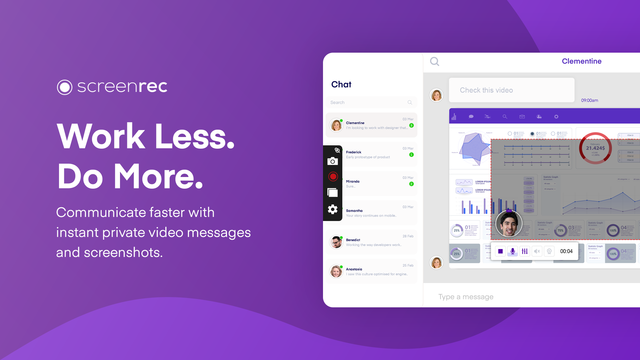
ScreenRec is a versatile screen recording tool, particularly suited for customer support teams. Its key features such as instant video messaging and annotated screenshot sharing expedite the communication process, making it easier for support teams to provide detailed, visual instructions or demonstrations to clients, thereby enhancing support quality and efficiency.
REAL-TIME MONITORING
HIGH-QUALITY OUTPUT

Best for teams that are

  • Budget-conscious users needing unlimited free recording time without watermarks
  • Teams requiring secure, encrypted video sharing for internal communication
  • Users who need a lightweight tool for quick bug reporting

Skip if

  • Creators needing video editing features like trimming or zooming
  • Users who require high frame-rate recording for gaming
  • Professionals needing polished, branded video presentations

Expert Take

ScreenRec stands out in the customer support industry due to its instant video messaging and annotated screenshot sharing features, which allow customer support teams to address client queries or issues more effectively. By providing a visual demonstration, support teams can eliminate any misunderstandings or ambiguities, leading to increased customer satisfaction. Moreover, it's a free tool with unlimited recording time, making it cost-effective for businesses.

Pros

  • Instant video messaging
  • Annotated screenshot sharing
  • Easy-to-use interface
  • No watermarks
  • Unlimited recording time

Cons

  • Limited editing tools
  • Dependent on internet connection for sharing files
  • No mobile app
2
Expert Score
9.8 / 10
435
29
AI ASSISTANCE
EASE OF USE

ScreenPal Screen Recorder

ScreenPal Screen Recorder
View Website
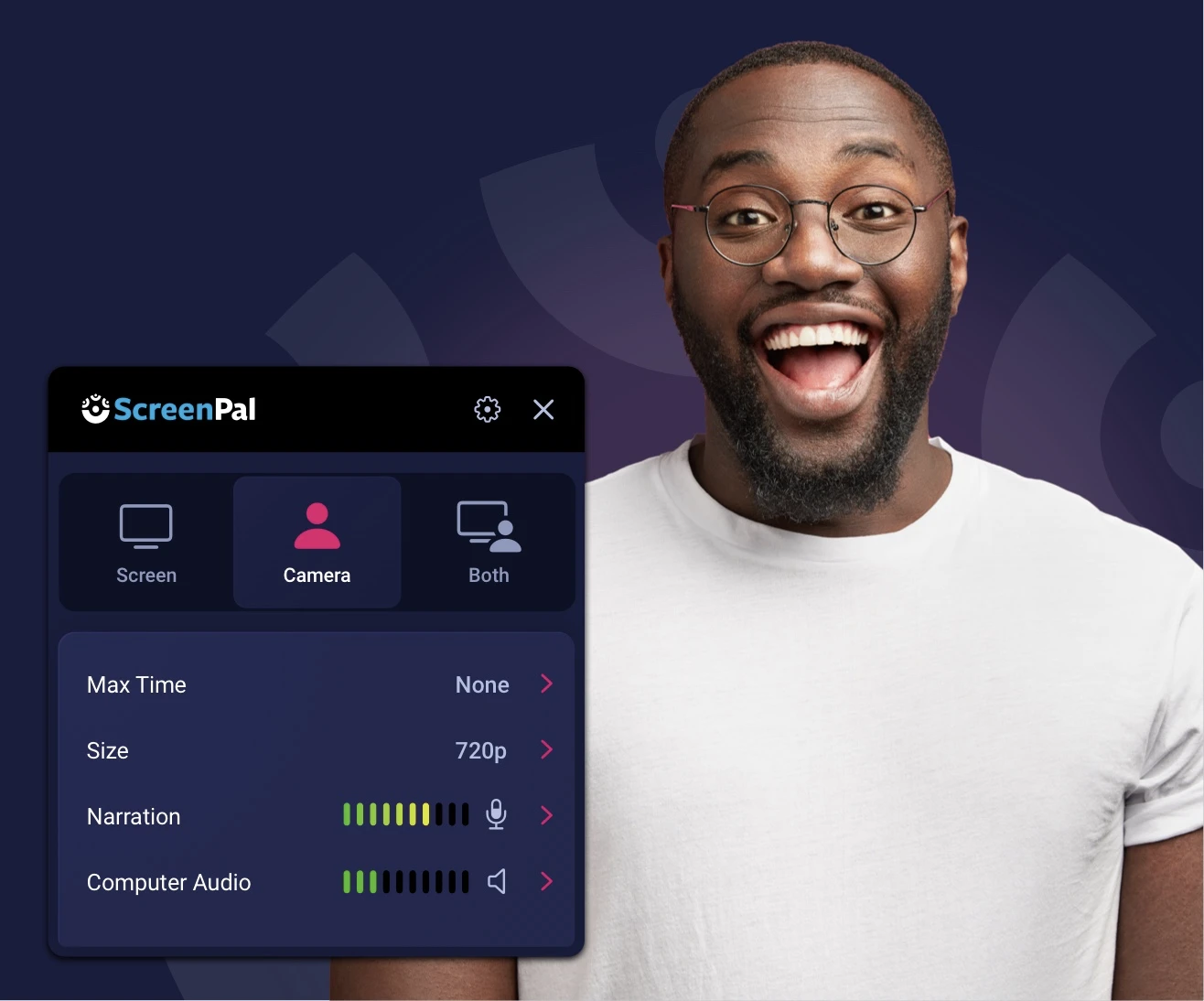
ScreenPal is a highly intuitive SaaS tool designed specifically for customer support in various industries. It allows professionals to effortlessly capture, create, and share videos and images, enabling authentic and effective visual communication. Its incredible ease of use and comprehensive editing features make it perfect for creating customer support resources, tutorials, and demonstrations.
AI ASSISTANCE
EASE OF USE

Best for teams that are

  • Educators and trainers creating scripted tutorials or course content
  • Users needing affordable video editing, hosting, and quizzing in one platform
  • Teams requiring speech-to-text captions and scripted recordings

Skip if

  • Enterprise support teams needing automated agent monitoring
  • Users wanting the fastest possible 'record & share' workflow without editing
  • Teams needing deep integration with support ticket systems

Expert Take

Our analysis shows ScreenPal strikes a rare balance between affordability and institutional-grade security. While many screen recorders offer basic capture, ScreenPal distinguishes itself with verified FERPA and COPPA compliance, making it a safe choice for the education sector. Research indicates that its deep integration with platforms like Canvas and Zoom, combined with a low barrier to entry (no account needed for basic use), makes it uniquely suited for rapid knowledge sharing in schools and businesses.

Pros

  • Highly affordable paid plans ($3-4/mo)
  • FERPA & COPPA certified for education
  • Intuitive, lightweight interface
  • Deep LMS & Zoom integrations
  • No account required for free recorder

Cons

  • 15-minute limit on free recordings
  • No system audio in free version
  • Slow export for large files
  • Advanced editing requires paid plan
  • Branded outro on free exports
3
Expert Score
9.6 / 10
741
109
INSTANT VIDEO MESSAGING
SEAMLESS SHARING

Loom Free Screen Recorder

Loom Free Screen Recorder
View Website
Loom’s Free Screen Recorder is a vital tool in the customer support industry, allowing representatives to easily record, edit, and share video tutorials for customers. With support for MacOS, Windows, Chrome, iOS, and Android, it ensures universal access and usability, making it easier for support teams to address customer issues efficiently.
INSTANT VIDEO MESSAGING
SEAMLESS SHARING

Best for teams that are

  • Remote teams needing fast, asynchronous video messaging
  • Users who want instant AI summaries and transcriptions (paid plans)
  • Professionals needing to quickly share feedback with emoji reactions

Skip if

  • Creators needing advanced post-production editing or custom layouts
  • Users on a strict budget needing unlimited recording length (Free is limited)
  • Support teams needing to capture customer console logs automatically

Expert Take

Our analysis shows Loom remains the definitive tool for asynchronous video communication, largely due to its frictionless 'record-to-share' workflow that eliminates upload wait times. Research indicates that its acquisition by Atlassian has solidified its ecosystem strength, offering best-in-class integrations with Jira and Slack. While the free plan has documented limitations like a 25-video cap and 720p resolution, the inclusion of enterprise-grade security (SOC 2 Type II) and AI transcriptions makes it a standout choice for professional communication.

Pros

  • Instant link generation for immediate sharing
  • Deep integration with Slack and Jira
  • SOC 2 Type II security compliance
  • AI transcriptions included in free plan
  • Intuitive and easy-to-use interface

Cons

  • Strict 5-minute recording limit on free plan
  • Library capped at 25 videos for free users
  • Max 720p resolution on free tier
  • Desktop app can be unstable
  • Requires internet connection to process videos
4
Expert Score
9.6 / 10
650
95

Level AI Screen Recording

Level AI Screen Recording
View Website
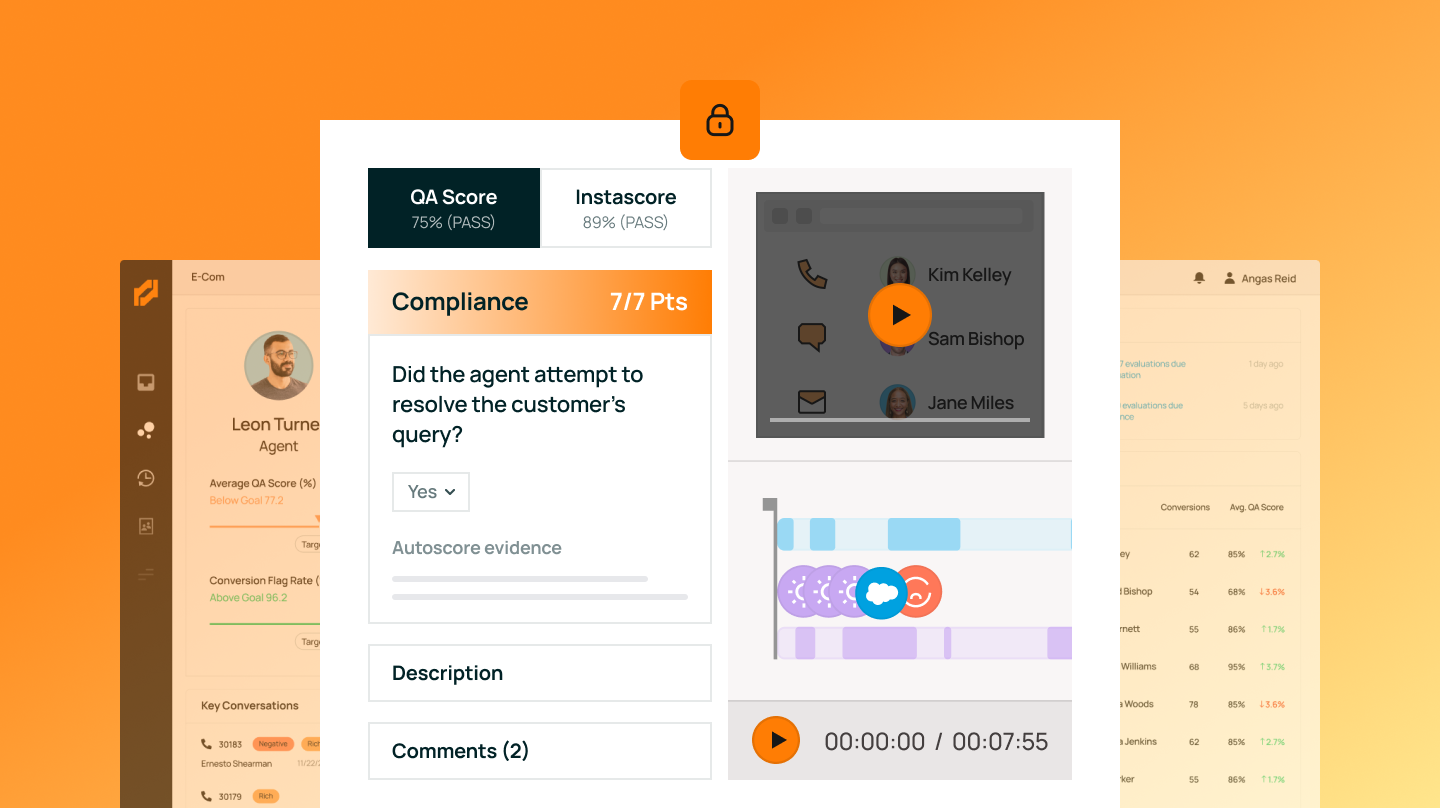
Level AI's Contact Center Screen Recording and Monitoring Software is a powerful tool specifically designed for customer support professionals. It helps in identifying process inefficiencies, non-adherence, and training gaps, making it an invaluable asset in improving customer service quality and efficiency.

Best for teams that are

  • Enterprise contact centers requiring 100% compliance and PII redaction
  • QA managers needing AI-driven insights into agent screen activity
  • Operations leaders wanting to reduce agent idle time and improve workflows

Skip if

  • Small support teams or individuals needing a simple video recorder
  • Users looking to create external marketing or tutorial content
  • Teams without a complex contact center infrastructure

Expert Take

Our analysis shows Level AI distinguishes itself by combining 'eyes' (screen recording) with 'ears' (conversation intelligence) to provide a holistic view of agent performance. Research indicates its auto-redaction capability is a standout feature for regulated industries, addressing compliance needs directly within the recording workflow. Based on documented features, the ability to trigger recordings from ticket assignment to resolution ensures no critical workflow steps are missed.

Pros

  • Auto-redacts PII/PCI with >90% accuracy
  • Supports dual monitors and Mac/Windows
  • Seamless integrations with Salesforce & Zendesk
  • SOC 2, HIPAA, and PCI compliant
  • Records full ticket lifecycle automatically

Cons

  • Reports of slow system performance
  • Interface can feel overcrowded
  • Sentiment analysis struggles with sarcasm
  • Pricing is not publicly transparent
  • Evaluation notifications can be delayed
5
Expert Score
9.4 / 10
515
77
AGENT PERFORMANCE

MaestroQA Screen Capture

MaestroQA Screen Capture
View Website
MaestroQA is a perfect fit for the customer support industry, particularly for supervisors and quality analysts. It provides a screen capture feature that visualizes and analyzes key customer interactions, enabling graders to spot and analyze vital moments in customer-agent interactions swiftly and efficiently.
AGENT PERFORMANCE

Best for teams that are

  • CX managers needing to monitor agent workflows and ticket handling
  • QA teams requiring automated screen capture linked to Zendesk/Salesforce tickets
  • Enterprises needing to identify coaching opportunities for support agents

Skip if

  • Freelancers or individuals needing a standalone screen recorder
  • Marketing teams creating public-facing promotional videos
  • Users needing a tool for external client communication

Expert Take

Our analysis shows MaestroQA Screen Capture stands out for its 'Moments' timeline, which intelligently tags key events like holds or tool usage, significantly speeding up the QA review process. Research indicates it offers robust security with SOC 2 and PCI compliance, including configurable black screen redaction for sensitive data. While it requires a companion app for maximum reliability, its deep integration with platforms like Zendesk makes it a powerful tool for support teams.

Pros

  • Multi-monitor and multi-ticket recording
  • Automated 'Moments' timeline for easy review
  • SOC 2, HIPAA, and PCI compliant
  • Configurable black screen redaction
  • Deep integration with Zendesk/Salesforce

Cons

  • Companion App incompatible with ChromeOS
  • Standalone extension has reliability issues
  • Up to 10s timestamp discrepancy
  • Advanced features require higher tiers
  • Requires separate app installation for stability
6
Expert Score
9.2 / 10
739
65
CLOUD STORAGE

Tella Screen Recorder

Tella Screen Recorder
View Website
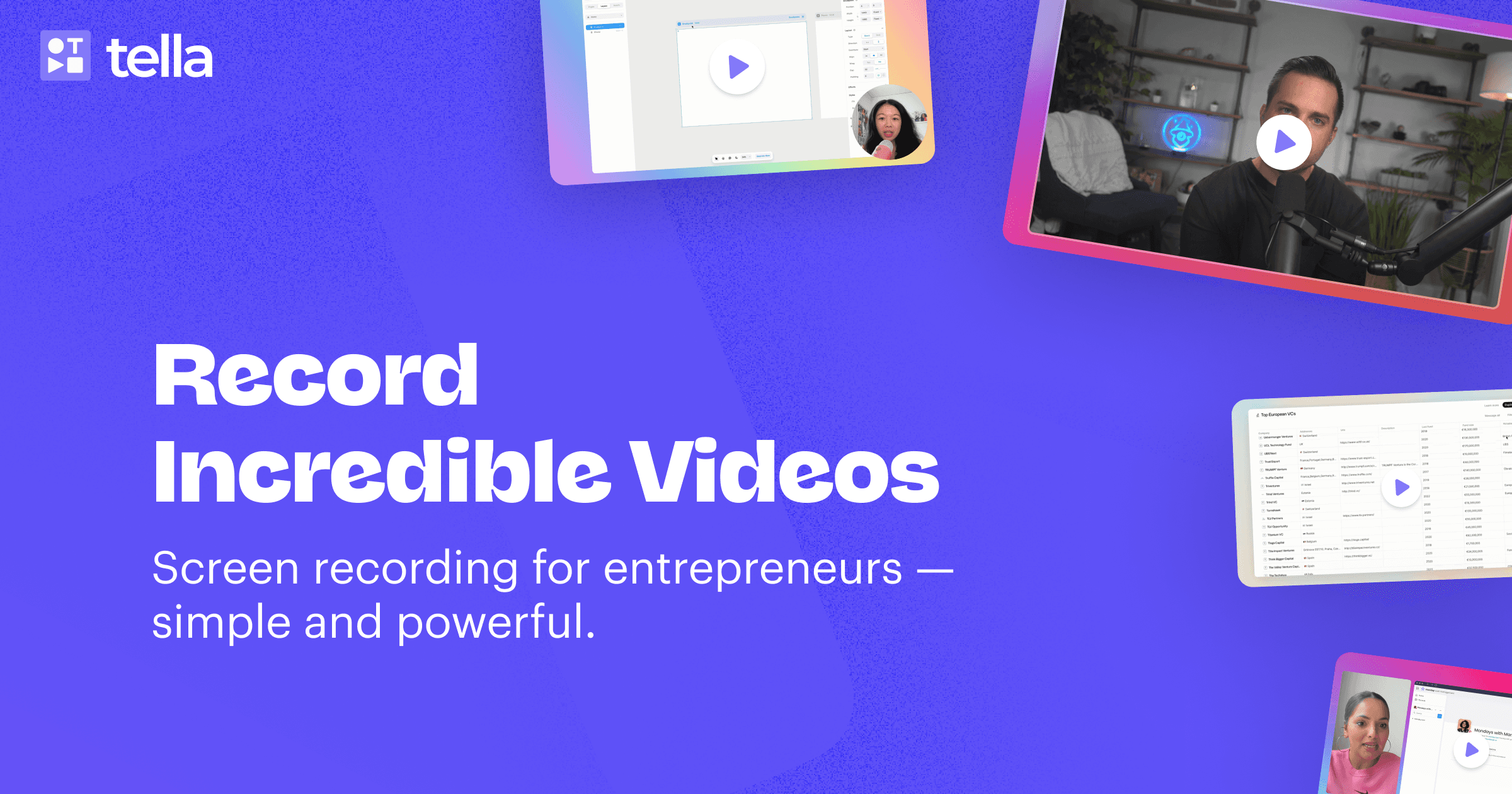
Tella Screen Recorder is a standout SaaS solution for customer support professionals. It simplifies recording, annotating, and sharing of screen interactions while providing assistance to customers, thus enhancing service quality and promoting effective communication.
CLOUD STORAGE

Best for teams that are

  • Founders and marketers creating polished, branded product demos
  • Creators who want 'studio-quality' videos with custom backgrounds and layouts
  • Teams building high-quality video knowledge bases or courses

Skip if

  • Support agents needing a fast, disposable link for quick internal comms
  • Users looking for a completely free tool for simple daily tasks
  • Teams needing automated agent monitoring or compliance features

Expert Take

Our analysis shows Tella effectively bridges the gap between basic screen recorders and complex video editors. Research indicates its 'clip-based' recording workflow and automated AI editing tools (like silence removal and Studio Voice) significantly reduce post-production time for creators. Based on documented features, it offers superior branding options compared to competitors, allowing for custom backgrounds and dynamic layouts that elevate simple screen shares into professional content.

Pros

  • Multi-clip recording workflow
  • AI removal of silences & filler words
  • 4K video export resolution
  • Customizable backgrounds & layouts
  • Studio Voice audio enhancement

Cons

  • Editor lags with long videos
  • No text overlay/annotation tools
  • No mobile screen recording
  • No permanent free plan
  • Web-based editor requires stable internet
7
Expert Score
9.2 / 10
363
96
EFFICIENT RESOLUTION

SnapCall AI Video Recording

SnapCall AI Video Recording
View Website
SnapCall's AI-powered video recording software is specifically designed for the customer support industry. It utilizes artificial intelligence to streamline the video and photo recording process, thus reducing resolution time by 46%, handling more tickets, and minimizing wait times. It's an effective tool for customer support teams seeking to improve efficiency and customer satisfaction.
EFFICIENT RESOLUTION

Best for teams that are

  • eCommerce support teams needing visual proof of product damage or returns
  • Teams wanting customers to record videos easily without app installation
  • Field service or hardware support requiring visual troubleshooting

Skip if

  • Software support teams primarily needing screen sharing for code debugging
  • Internal team communication or tutorial creation
  • Users needing to record long-form presentations or webinars

Expert Take

Our analysis shows SnapCall excels by removing the friction of app installations—customers simply click a link or scan a QR code to stream video. Research indicates its deep embedding into platforms like Zendesk allows agents to request and view visual evidence without ever leaving the ticket, streamlining support workflows significantly. While the entry price is high, the combination of live video, async clips, and SOC 2 compliance makes it a robust tool for enterprise support teams.

Pros

  • No app install required for customers
  • Embedded directly in Zendesk/Salesforce
  • Seamless QR code mobile handoff
  • SOC 2 and GDPR compliant
  • AI extracts data from video visuals

Cons

  • High starting price ($499/mo)
  • AI features locked behind $999/mo plan
  • Strict monthly limits on video clips
  • Additional media credits are expensive
  • No free tier for small teams
8
Expert Score
8.9 / 10
577
78
NO WATERMARKS
ENHANCED INTERACTION

Screendesk - Video Support Platform

Screendesk - Video Support Platform
View Website
Screendesk is a versatile SaaS solution designed specifically for customer support teams looking to enhance their problem-solving capabilities. The software enables users to send and ask for screen recordings, initiate real-time screen sharing sessions, and solve issues faster using video. No downloads are required, making it a seamless tool for remote support.
NO WATERMARKS
ENHANCED INTERACTION

Best for teams that are

  • Technical support teams needing to capture customer console logs and network data
  • Agents who need to request screen recordings from customers without downloads
  • Support teams using Zendesk, Intercom, or HelpScout

Skip if

  • Content creators making marketing or social media videos
  • Internal teams just needing simple video messaging for collaboration
  • Users needing advanced video editing suites

Expert Take

Our analysis shows Screendesk solves a specific pain point for support teams that generic tools miss: the need for technical context alongside video. Research indicates that by capturing browser console logs and network data automatically, it reduces the 'back-and-forth' of debugging. While it lacks the polished editing of broad-market tools, its deep integration into helpdesk workflows makes it a superior choice for technical support operations.

Pros

  • No-install recording for end-users
  • Deep Zendesk & Intercom integration
  • Captures console logs & metadata
  • GDPR compliant & secure storage
  • Automated AI ticket analysis

Cons

  • Console logs gated to Enterprise
  • Limited video editing tools
  • Lower support rating than Loom
  • Smaller user community/reviews
  • Basic features in lower tiers
9
Expert Score
8.8 / 10
652
138
CROSS-PLATFORM SUPPORT

Berrycast Screen Recording Tool

Berrycast Screen Recording Tool
View Website
Berrycast is a screen recording tool specifically designed for customer support professionals across various industries. It allows for secure recording of screens on both Windows and Mac platforms, making it easy to provide clear, visual assistance to customers, troubleshoot issue, and train new staff.
CROSS-PLATFORM SUPPORT

Best for teams that are

  • Client-facing pros wanting white-labeled, branded video delivery (CNAME)
  • Teams needing to send videos via Outlook, Teams, or Slack integrations
  • Sales and support teams prioritizing a professional, branded viewer experience

Skip if

  • Users needing advanced video editing capabilities like zoom or transitions
  • Those looking for a free-forever tool with no branding limits
  • Creators wanting to make high-production social media content

Expert Take

Our analysis shows Berrycast stands out for its white-label capabilities and developer SDK, features often absent in competitors like Loom. Research indicates it offers robust AI transcription and summarization tools that streamline asynchronous communication. Based on documented features, the unlimited recording limits on standard plans provide exceptional value for heavy users, despite some historical friction regarding legacy account terms.

Pros

  • Unlimited recording and storage
  • AI transcripts and summaries
  • White-label custom domains
  • Developer SDK available
  • Native Microsoft Teams integration

Cons

  • Retroactive limits on lifetime deals
  • Basic video editing only
  • Occasional playback buffering
  • Mac app stability issues
  • Slow support response times

Product Comparison

Product Has Mobile App Has Free Plan Has Free Trial Integrates With Zapier Has Public API Live Chat Support SOC 2 or ISO Certified Popular Integrations Supports SSO Starting Price
1 ScreenRec
No Yes No No No No Not specified Limited integrations No Free
2 ScreenPal Screen Recorder
No Yes Yes - 14 days No No Email/Ticket only Not specified Limited integrations No $8/month
3 Loom Free Screen Recorder
Yes Yes Yes - 14 days Yes Yes Email/Ticket only ISO 27001 Slack, Google Workspace, Microsoft 365 Yes Free
4 Level AI Screen Recording
No No Contact for trial No Enterprise API only Email/Ticket only Not specified Custom integrations only Enterprise plans only Contact for pricing
5 MaestroQA Screen Capture
No No Contact for trial No Enterprise API only Email/Ticket only Not specified Salesforce, Zendesk, Slack Enterprise plans only Contact for pricing
6 Tella Screen Recorder
No Yes Yes - 7 days No No Email/Ticket only Not specified Limited integrations No $12/month
7 SnapCall AI Video Recording
No No Contact for trial No No Email/Ticket only Not specified Custom integrations only Enterprise plans only Contact for pricing
8 Screendesk - Video Support Platform
No Yes No No No Email/Ticket only Not specified Limited integrations No Free
9 Berrycast Screen Recording Tool
No Yes No No No Email/Ticket only Not specified Limited integrations No $12/month
1

ScreenRec

Has Mobile App
No
Has Free Plan
Yes
Has Free Trial
No
Integrates With Zapier
No
Has Public API
No
Live Chat Support
No
SOC 2 or ISO Certified
Not specified
Popular Integrations
Limited integrations
Supports SSO
No
Starting Price
Free
2

ScreenPal Screen Recorder

Has Mobile App
No
Has Free Plan
Yes
Has Free Trial
Yes - 14 days
Integrates With Zapier
No
Has Public API
No
Live Chat Support
Email/Ticket only
SOC 2 or ISO Certified
Not specified
Popular Integrations
Limited integrations
Supports SSO
No
Starting Price
$8/month
3

Loom Free Screen Recorder

Has Mobile App
Yes
Has Free Plan
Yes
Has Free Trial
Yes - 14 days
Integrates With Zapier
Yes
Has Public API
Yes
Live Chat Support
Email/Ticket only
SOC 2 or ISO Certified
ISO 27001
Popular Integrations
Slack, Google Workspace, Microsoft 365
Supports SSO
Yes
Starting Price
Free
4

Level AI Screen Recording

Has Mobile App
No
Has Free Plan
No
Has Free Trial
Contact for trial
Integrates With Zapier
No
Has Public API
Enterprise API only
Live Chat Support
Email/Ticket only
SOC 2 or ISO Certified
Not specified
Popular Integrations
Custom integrations only
Supports SSO
Enterprise plans only
Starting Price
Contact for pricing
5

MaestroQA Screen Capture

Has Mobile App
No
Has Free Plan
No
Has Free Trial
Contact for trial
Integrates With Zapier
No
Has Public API
Enterprise API only
Live Chat Support
Email/Ticket only
SOC 2 or ISO Certified
Not specified
Popular Integrations
Salesforce, Zendesk, Slack
Supports SSO
Enterprise plans only
Starting Price
Contact for pricing
6

Tella Screen Recorder

Has Mobile App
No
Has Free Plan
Yes
Has Free Trial
Yes - 7 days
Integrates With Zapier
No
Has Public API
No
Live Chat Support
Email/Ticket only
SOC 2 or ISO Certified
Not specified
Popular Integrations
Limited integrations
Supports SSO
No
Starting Price
$12/month
7

SnapCall AI Video Recording

Has Mobile App
No
Has Free Plan
No
Has Free Trial
Contact for trial
Integrates With Zapier
No
Has Public API
No
Live Chat Support
Email/Ticket only
SOC 2 or ISO Certified
Not specified
Popular Integrations
Custom integrations only
Supports SSO
Enterprise plans only
Starting Price
Contact for pricing
8

Screendesk - Video Support Platform

Has Mobile App
No
Has Free Plan
Yes
Has Free Trial
No
Integrates With Zapier
No
Has Public API
No
Live Chat Support
Email/Ticket only
SOC 2 or ISO Certified
Not specified
Popular Integrations
Limited integrations
Supports SSO
No
Starting Price
Free
9

Berrycast Screen Recording Tool

Has Mobile App
No
Has Free Plan
Yes
Has Free Trial
No
Integrates With Zapier
No
Has Public API
No
Live Chat Support
Email/Ticket only
SOC 2 or ISO Certified
Not specified
Popular Integrations
Limited integrations
Supports SSO
No
Starting Price
$12/month

Similar Categories

How We Rank Products

Our Evaluation Process

The 'How We Choose' section for screen recording tools for customer support evaluates products based on several key factors, including specifications, features, customer reviews, ratings, and overall value. In this category, considerations such as ease of use, integration capabilities with existing customer support software, quality of recording, and customer support responsiveness significantly influence the selection process. The research methodology focuses on a comprehensive analysis of available data, comparing specifications across products, analyzing customer feedback from various platforms, and reviewing ratings to determine the price-to-value ratio. This thorough approach ensures that the rankings reflect the most relevant and credible information available for screen recording tools tailored for customer support.

Overall scores reflect relative ranking within this category, accounting for which limitations materially affect real-world use cases. Small differences in category scores can result in larger ranking separation when those differences affect the most common or highest-impact workflows.

Verification

  • Products evaluated through comprehensive research and analysis of user feedback and expert insights.
  • Rankings based on a detailed analysis of features, specifications, and customer ratings specific to screen recording tools for customer support.
  • Selection criteria focus on key functionalities such as ease of use, integration capabilities, and customer support effectiveness in the context of screen recording tools.

Other Software products for Customer Support Teams

As an Amazon Associate, we earn from qualifying purchases. We may also earn commissions from other affiliate partners.

×

Score Breakdown

0.0 / 10

What This Award Means